Refresh a Document Setup
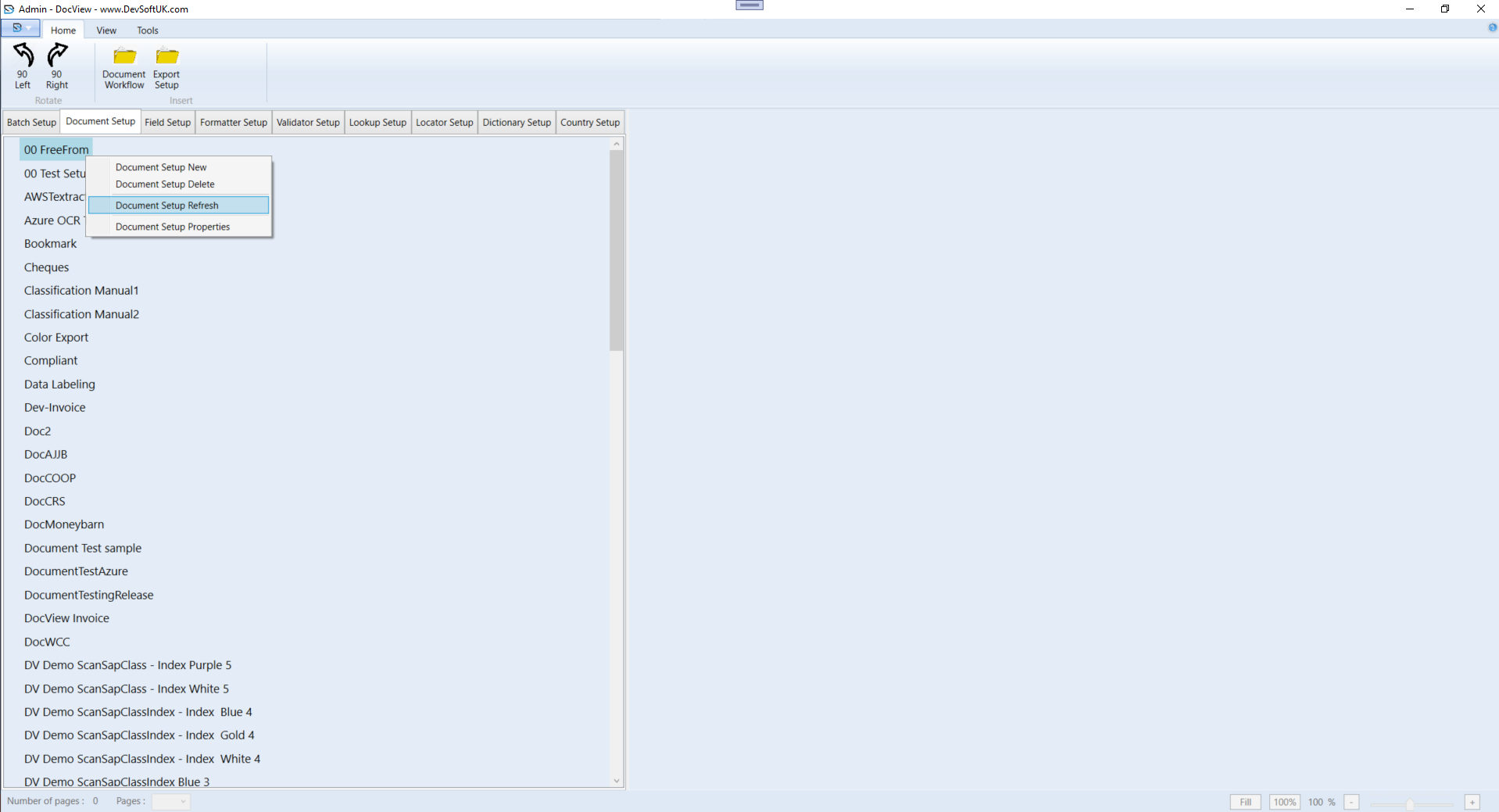
To refresh a document setup, follow these steps:
- In the Batch Setup list, right-click an existing setup.
- From the context menu, select Document Setup Refresh.
- After clicking Document Setup Refresh, all documents will be refreshed.